
Feature set
One toolbox for conversation organization, recovery, diagnostics, and migration.
Each feature supports a repeatable workflow rather than forcing all actions into one long screen.
Conversation workspace
Review only changed records and keep working while background refresh runs.
- Pause automatic refresh
- See the actual change count and last refresh time
- Use saved filters, tags, and batch previews
Backup and restore center
Manage recoverable items and retention from a dedicated area.
- Show original location and deletion time
- Verify integrity before one-click restore
- Manually clear all eligible backups after confirmation
Health, history, and migration
Diagnose the environment and retain evidence of important actions.
- Check storage, permissions, and database health
- Review success and failure details in operation history
- Export and import selected data with integrity validation
Handoffs and advanced search
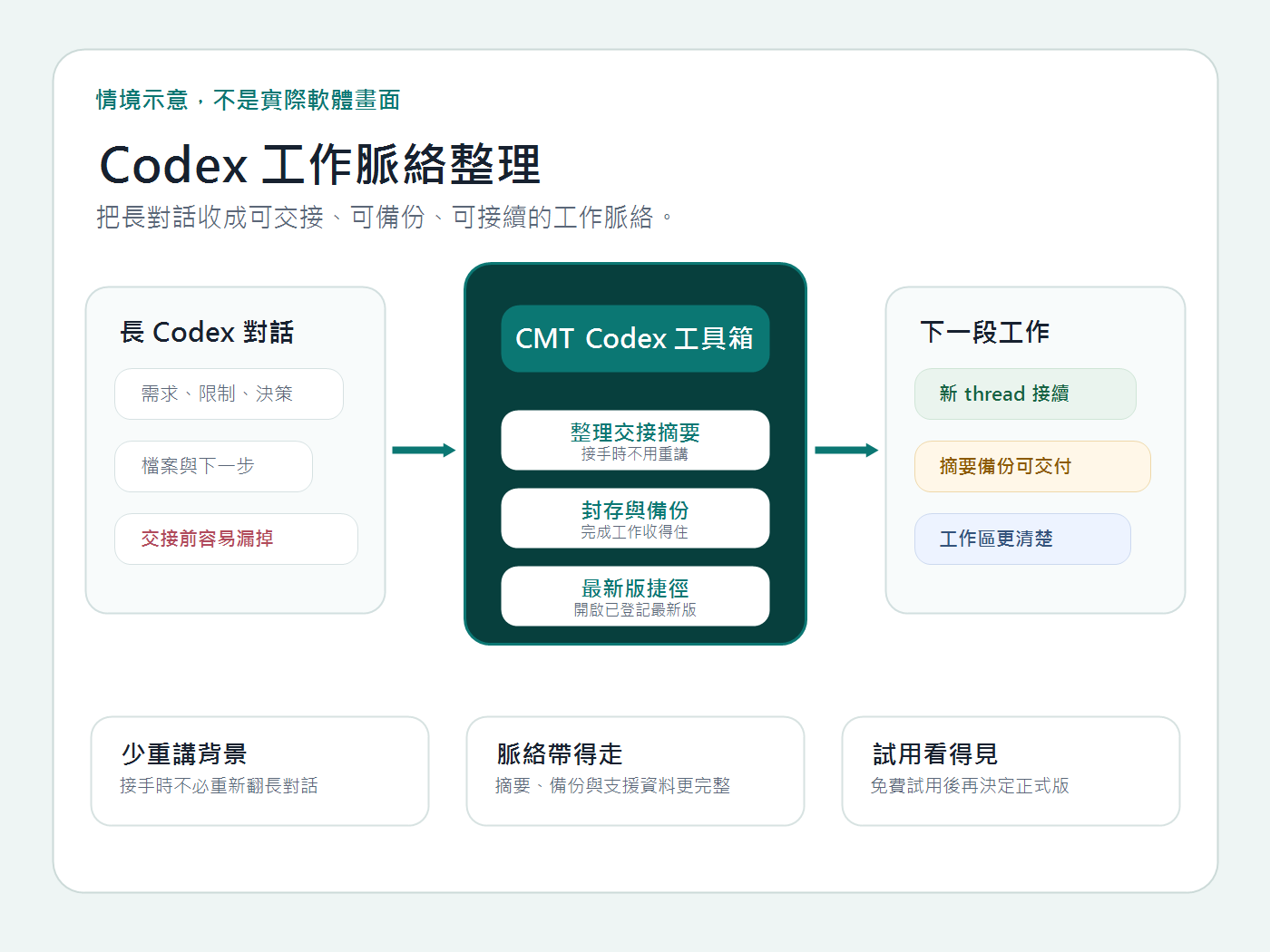
Turn large local histories into focused views and continuation-ready summaries.
- Filter by project, path, date, state, risk, and size
- Save frequent views and apply tags or favorites
- Preview batch archive, handoff, or deletion actions
Commercial settings and licensing
Trial, activation, deactivation, version, and support information remain visible from the application.
- Enter a serial without exposing it in logs or screenshots
- Deactivate an old computer before transferring the license
- Follow the external seller process for payment or refund questions
Organize Codex conversations, handoffs, and backups